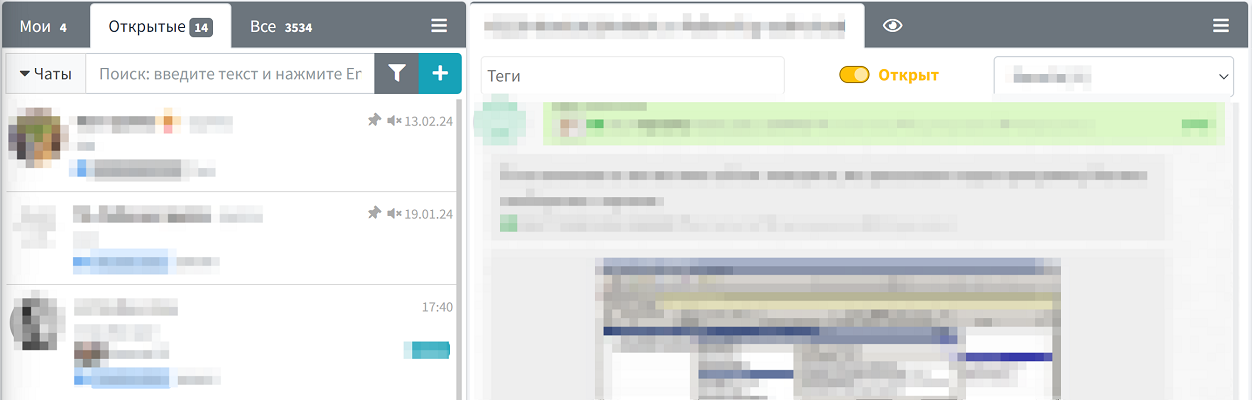
Chat status management is an important tool for organizing workflows in WAMM.chat. Each chat can have one of two statuses: "Open" or "Closed".
When a customer's issue is resolved and no further communication is expected in the near future, you can change the chat status to "Closed". This action helps:
- Maintain order in the list of active conversations
- Focus on current tasks and relevant inquiries
- Declutter the interface by hiding already processed requests
After changing the status, the chat is automatically hidden from the "My Chats" and "Open" lists but remains available in the "All" tab. This ensures the preservation of the full communication history and quick access to information when needed.
If a new message is received in a closed chat, the system will automatically revert its status to "Open" and display it in the relevant lists. This way, you won't miss any inquiries, even if the conversation was previously closed.
This feature is particularly useful for:
- Support teams handling a large number of requests
- Sales departments tracking multiple potential deals
- Managers monitoring team efficiency based on the number of closed inquiries
The chat status can also be changed via API, allowing integration with your CRM systems and process automation.
The chat closing mechanism is related to chat tabs and the responsible assignment system. In the Settings section, an administrator can enable the automatic reset of the responsible person when closing a chat, further optimizing task distribution within the team.