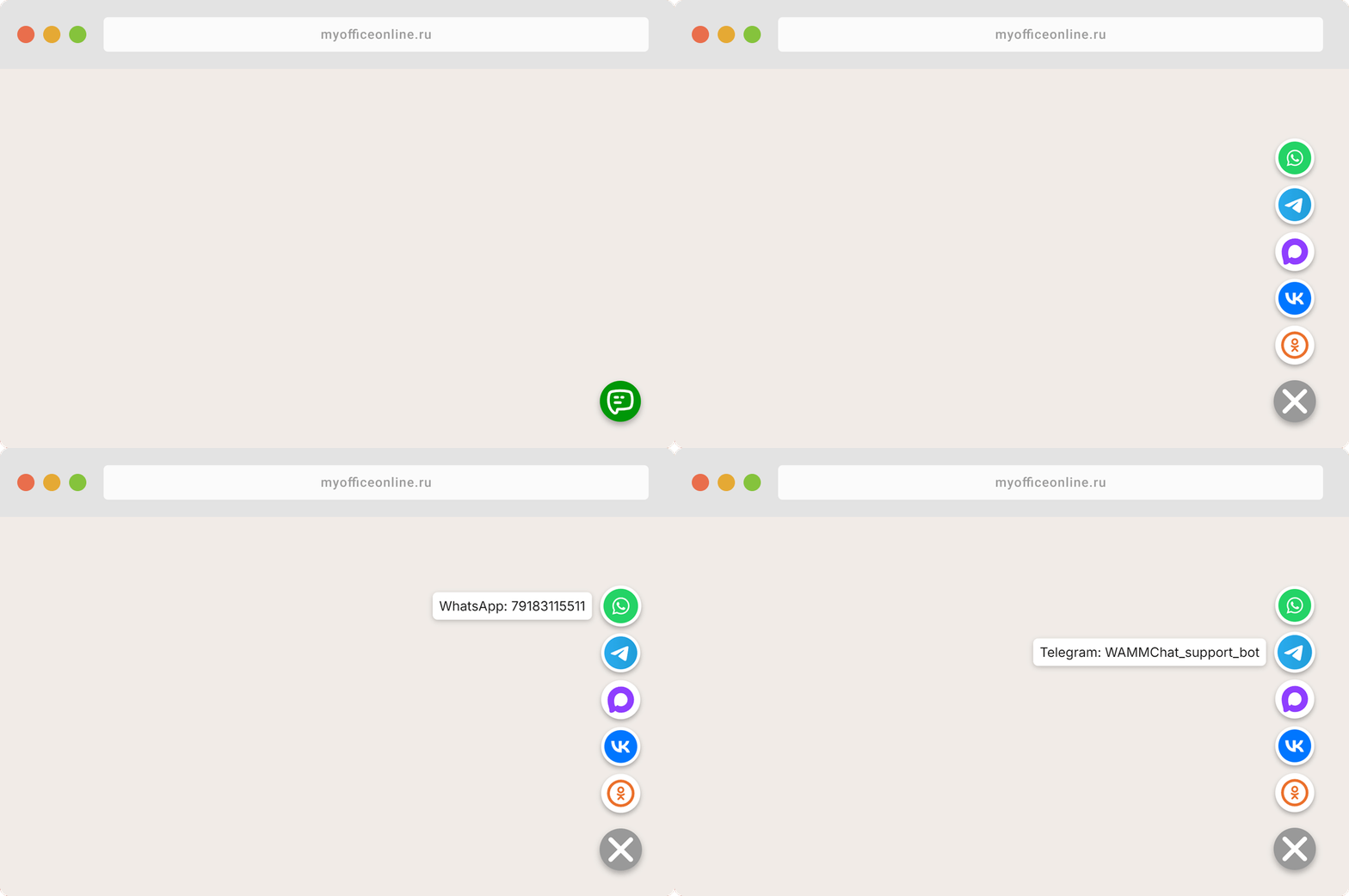
Want visitors to contact you faster and easier? Add a free messenger, chat, and social network button widget. This modern solution adds a compact, clean, and fully customizable contact panel to your site. Users can message you in one click via WhatsApp, Telegram, IMO, Avito chat, send an Email, make a phone call, visit VK, OK, Instagram, Facebook, X (Twitter), or open your YouTube and RuTube channels.
Our contact button widget builder is designed specifically for webmasters and business owners: you choose which channels to show, arrange their order, and match the main button color with your brand style. On hover, a tooltip with the service name appears; a click opens the app on mobile or the link on desktop. Everything works responsively, quickly, and doesn't slow down page load.
Live widget example
Button settings
Widget code
<script>
window.WAMM_W1_WidgetConfig = [
	{ type: "WhatsApp", url: "https://wa.me/", id: "79183115511" },
	{ type: "Telegram", url: "https://t.me/", id: "WAMMChat_support_bot" },
	{ type: "MAX", url: "https://max.ru/", id: "WAMMChat_bot" },
	{ type: "IMO", url: "https://profile.imo.im/", id: "79183115511" },
	{ type: "Email", url: "mailto:", id: "mail@example.com" },
	{ type: "Avito", url: "https://www.avito.ru/user/", id: "123456789/profile" },
	{ type: "VK", url: "https://vk.com/", id: "wamm.chat" },
	{ type: "OK", url: "https://ok.ru/", id: "group/70000002541619" }
];
</script>
<script src="https://1mhub.ru/widget/buttons" data-color="#009608"></script> Additional Parameters (for Webmasters)
If you want to fine-tune the widget's behavior, you can add special attributes to the <script> tag:
| Attribute | Allowed Values | Description |
|---|---|---|
data-position | bottom-right, bottom-left, top-right, top-left | Controls the widget's placement corner on the screen (default: bottom-right). |
data-size | small, medium, large | Sets the size of the contact buttons (default: medium). |
data-theme | light, dark, auto | Color scheme of the widget. The auto mode adapts to the user's OS theme. |
data-show-on | all, desktop, mobile | Devices to display the widget on (default: all). |
data-offset-x | Number (e.g., 20) | Horizontal offset from the edge of the screen in pixels (default: 20px). |
data-offset-y | Number (e.g., 20) | Vertical offset from the edge of the screen in pixels (default: 20px). |
Convenience and Versatility
You no longer need to explain to customers how to find you online: just place a clean floating contact button on your site, and all your channels will be accessible at any moment. This builds user trust and shortens the customer journey from simple browsing to the first contact.
No Ads or Third-Party Branding
Our online builder gives you full customization freedom. Colors, the display order of contact buttons, and the selected icons — all can be set up in just a couple of minutes. The widget will have no logos of our service, watermarks, or third-party ads. It remains entirely yours.
Higher Conversions and Inquiries
Adding a social contact button widget simplifies communication and drives lead growth. Users don't need to copy phone numbers or manually search for your profiles in apps. This is especially crucial for mobile traffic, where visitors expect instant engagement. Sites with convenient messenger buttons gain a major competitive edge.
Easy 2-Minute Installation
The integration process is highly friendly to beginner webmasters and requires no programming or design skills. Simply generate the embed code in our builder and paste it into your website's HTML. The button widget starts working immediately once changes are saved.