After logging into the program, the user can change their password in the "Profile" section by clicking on the corresponding link - Change Password, which leads to the password change procedure.
 User Profile window
If the user has forgotten their password, they can use the "Forgot Password" function on the login form. After entering their email address, the user will be sent an email with instructions on how to reset the password and log into the program's personal account. After logging in, the user can set a new password.
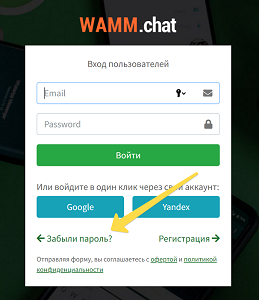 login form