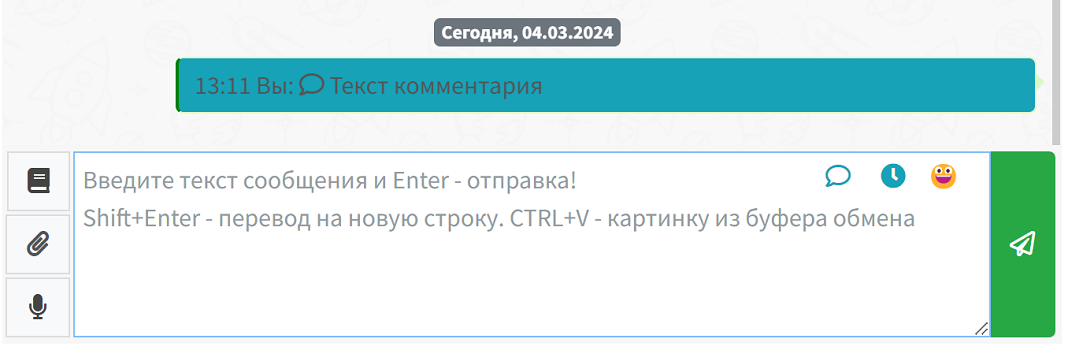
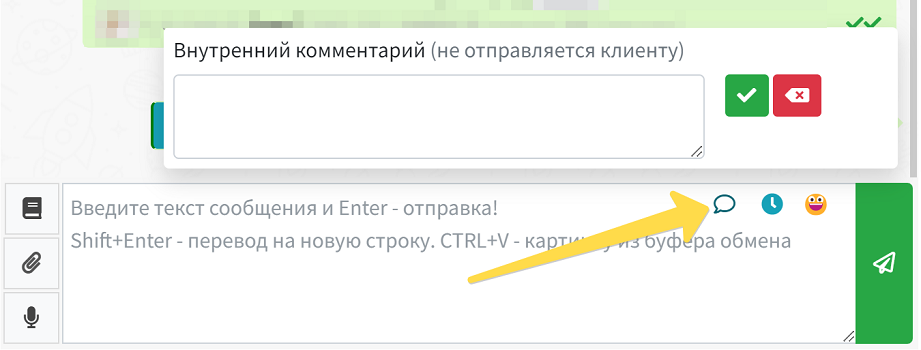
You can leave internal comments in the chats. Such comments will only be visible to users of your WAMM account and will not be sent to customers. This feature is useful when you need to discuss internal issues or leave notes for colleagues.
You can leave internal comments in the chats. Such comments will only be visible to users of your WAMM account and will not be sent to customers. This feature i
You can leave internal comments in the chats. Such comments will only be visible to users of your WAMM account and will not be sent to customers. This feature is useful when you need to discuss internal issues or leave notes for colleagues.