The function allows for bulk file distribution in WhatsApp. This is convenient for sending your clients personalized offers, documents, receipts, etc. You can also specify a text message to be sent before the file.
Do not conduct SPAM campaigns; only send messages to your client base who have consented to receive communications. Also, be aware of the risks that your number may be blocked by WhatsApp moderators. This can happen if recipients file complaints about your messages. Please review the note on how to avoid being banned in the section - WhatsApp >Account Blocking.
It works as follows:
- Upload one or several files whose names contain a phone number (the filename must include digits - the phone number, for example: "My file 79183115511.jpg");
- The program extracts phone numbers from the filenames and sends files to them. The phone number in the filename can include spaces, dashes, and parentheses. If the filename contains digits other than the phone number, the group of digits with the phone number must be separated by an underscore (3620_Sale_2.06_Gulnaz_79183115511.jpg).
- Before sending, the phone number is checked against your contacts, and if it is not in your contacts, it is checked to see if WhatsApp is registered on that number.
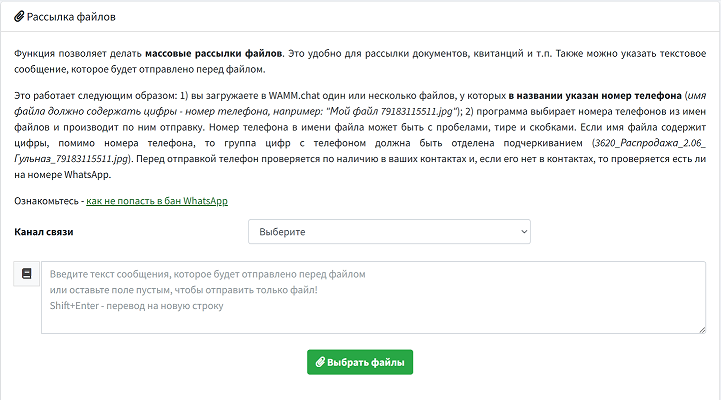 file distribution