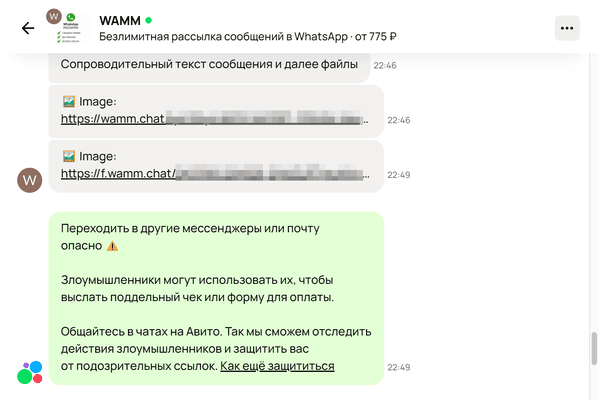
You can connect Avito to WAMM.chat as a communication channel, which will allow you to receive messages from Avito users and write messages in response, send files, images and voice messages. To do this, you must have a Professional Profile with any Avito tariff that allows you to link integrations. Regular free accounts of individuals do not allow you to do this. Avito is an incoming channel for receiving messages, you cannot write first if there was no previous dialogue with the client.
Avito is the largest online marketplace with ads in the world. Do business on Avito, place yourself on the most visited site with ads in Russia, and we will give you the tools to work more conveniently with Avito to grow your business and attract customers.
Connecting Avito to WAMM.chat
- Go to Settings, click "Add communication channel" and select "Avito".
- In the window that appears, click "Add", read the terms and click "Connect".
<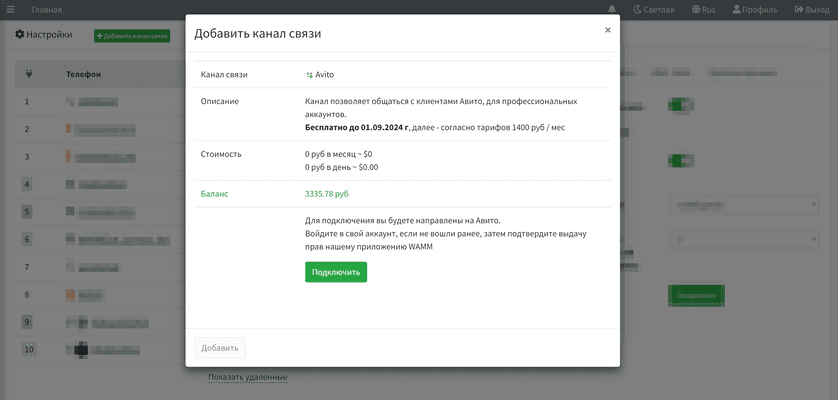
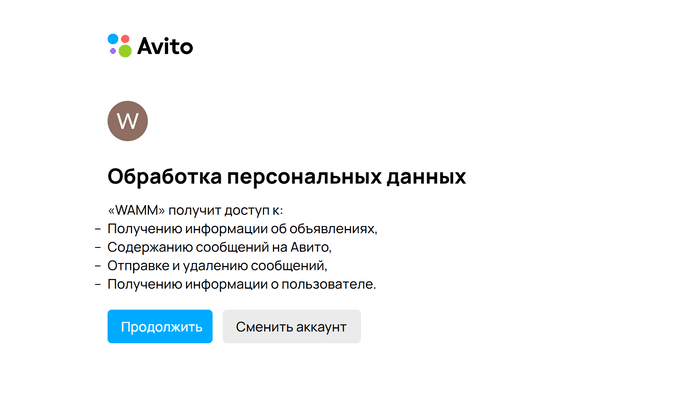
- You will be directed to Avito. Log in to your account if you haven't logged in before, then confirm that you have been granted rights to our WAMM application and you will return to WAMM.chat and be able to work with Avito messages.
Avito features
- You can turn on the answering machine for answering the first message from the client.
- You can turn on the answering machine for answering a message from a client outside of business hours.
- We get the channel name and avatars from Avito.
- The conversation history is loaded automatically when you connect and restart the connection.
- Each chat shows the info, the client's avatar and a link to the ad that the client writes about.
- You can connect 1 or more Avito and users will be able to work with all channels, or you can restrict access to them.
- Avito does not give us the status of reading messages.
- Avito is designed to send text messages only, files are not sent, but we send them by links. Avito reacts to files via links in messages with warnings for the recipient.