You can create a bot for free in MAX messenger and connect it to WAMM.chat as a communication channel. For integration, you'll need your MAX Bot token. Below are the steps for creating a bot and obtaining the token.
Creating a MAX Bot
- Open the MAX app and search for @MasterBot, then start a chat with it.
Important: the bot will be linked to the account you use to create it. Use a corporate account or an account of the responsible employee.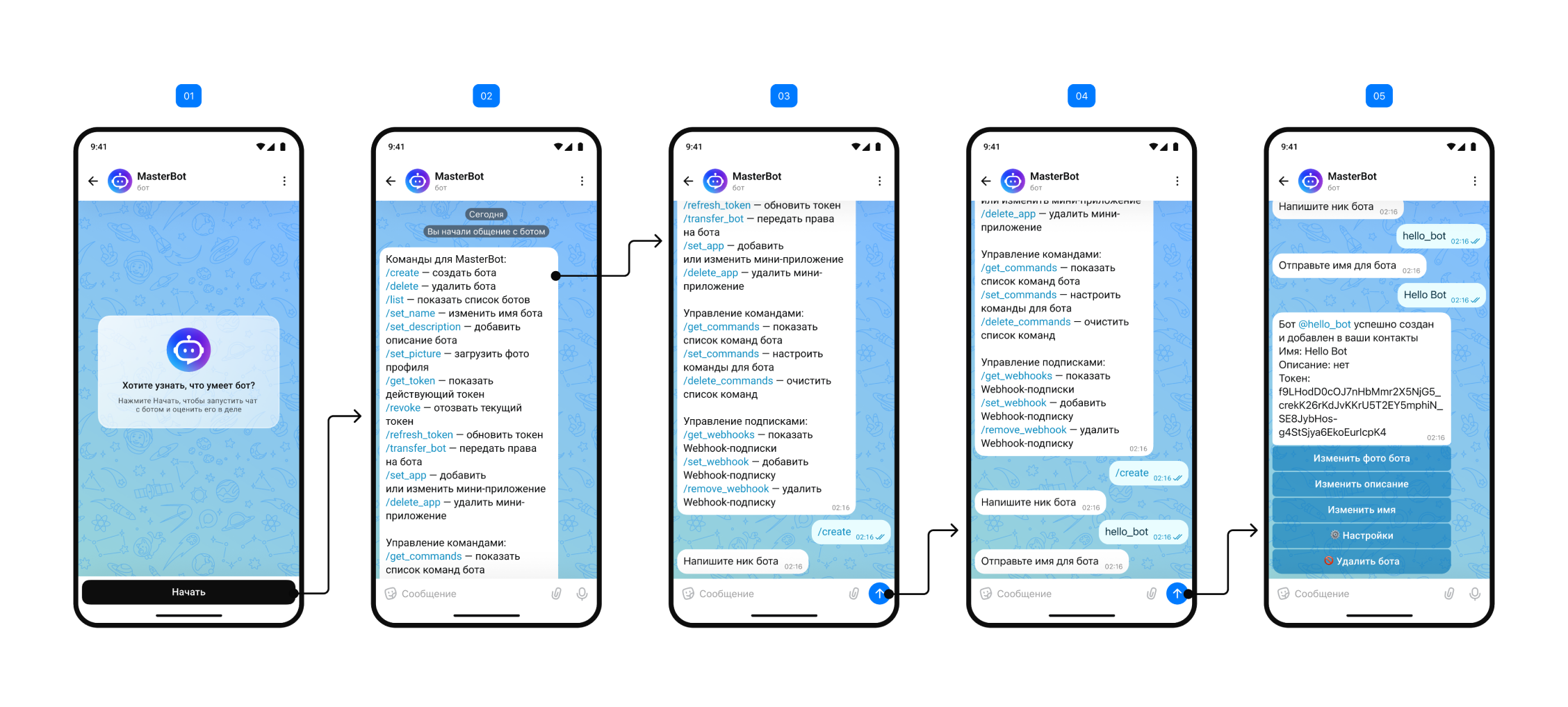
- To create a new bot, send the /create command.
- Specify a unique bot username, following these requirements:
- Must start with a Latin letter
- Can contain numbers
- Must end with "bot" or "_bot" (e.g.: companybot or company_bot)
- Minimum 11 characters including the ending
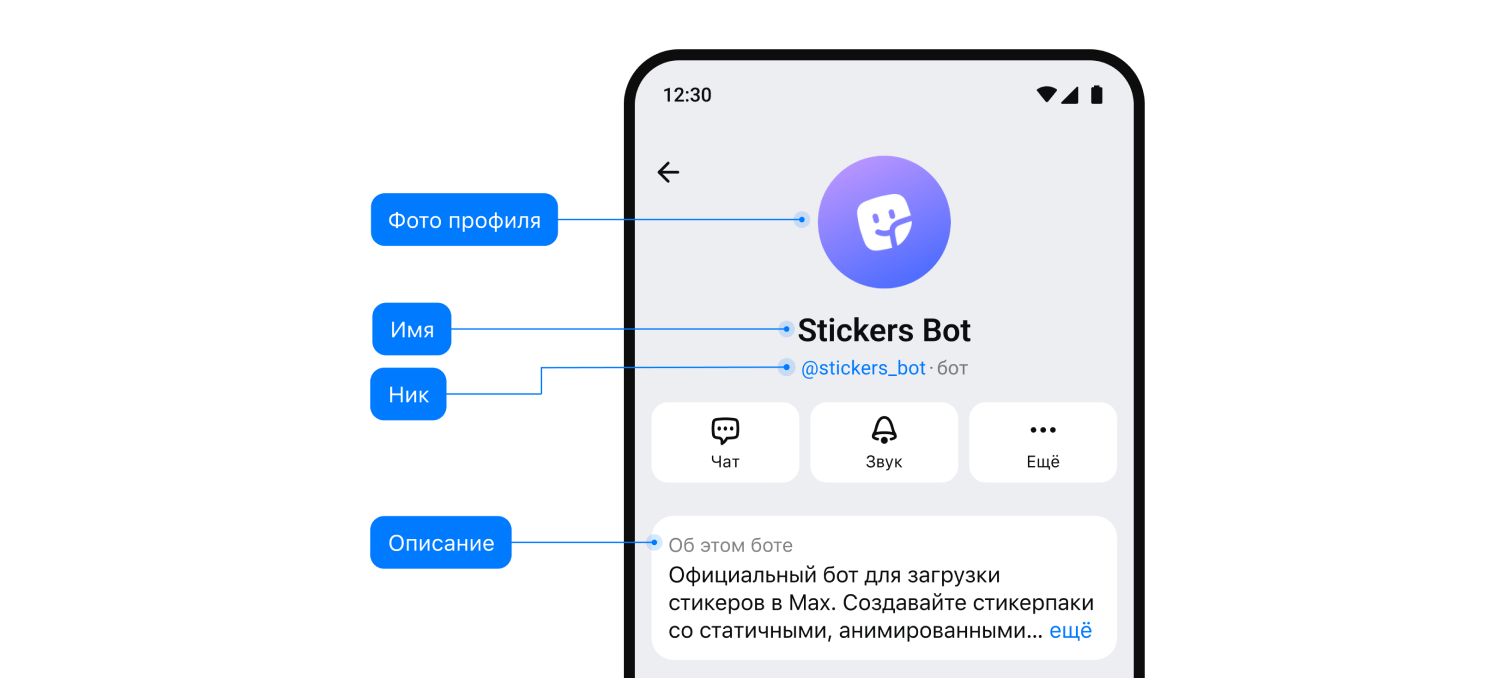
- Enter the bot name (up to 59 characters, can use Russian and Latin letters, no emojis). This name will be displayed in chats.
- After confirmation, you'll receive the bot token - a unique identifier for working with MAX API. Example token: AAHdqTcvCH1vGWJxfSeofSAs0K5PALDsaw
Important: the token provides full access to the bot. Keep it secure and don't share it with third parties. - (Optional) You can add a bot description using the /set_description command (up to 512 characters) and set an avatar with the /set_picture command.
Token Management
To manage your MAX Bot token, use the following commands in chat with @MasterBot:
- /get_token — view current token
- /refresh_token — generate a new token
- /revoke — revoke the current token
After obtaining the token, you can connect your MAX Bot to your WAMM.chat account in the appropriate channel settings section.
For more detailed information, visit the messenger's website - https://dev.max.ru/docs